
Book log
Keep the time you spent with a book
The anticipation at the first page and the thought that remains after the last are both worth keeping. Your book log can grow while you read—there is no finished review to write.
The reading process belongs in the log too
A book does not need to be finished before it becomes a record. Choose Reading when you begin, Want to read when you are saving it for later, and Read after the final page.
Update the status as it changes. The anticipation at the start and your thoughts at the end can stay connected as one stretch of time with the book.
Begin with a title or author
Choose Book on the log screen and search by title or author. Check the cover and book details, select the right edition, then add only what you want to keep.
- 01
Choose your reading status
Pick Reading, Read, or Want to read to match where you are now.
- 02
Keep the time and place
Add a date and a setting such as home, a café, or a journey.
- 03
Leave one thought
Save a feeling, an idea, or a point you would like to find again.
See books and viewing memories on one timeline
Books, films, and series sit together in date order, showing what you were watching and reading during the same season of life. Timeline filters are there when you want to focus on one kind of record.
Continue your records and keep a copy
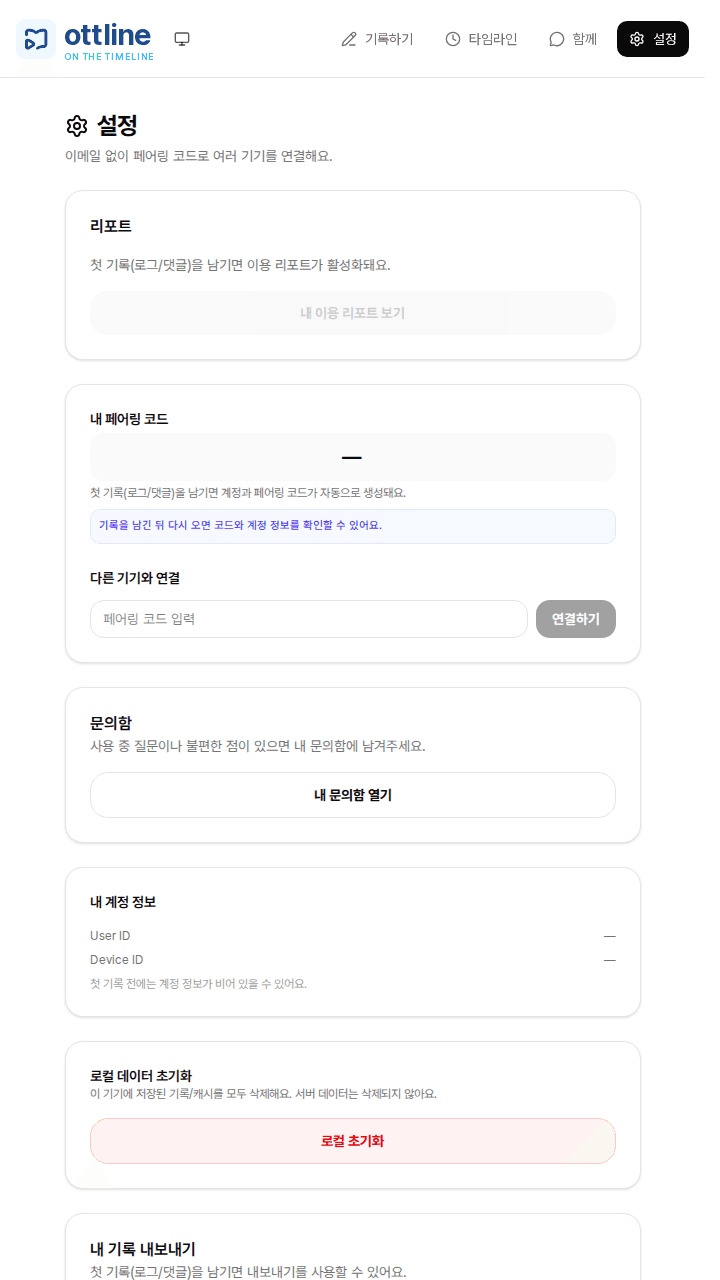
Use a pairing code to continue the same records on another device. After your first log, Export my logs in Settings can also save a CSV copy for you.
Sharing remains optional. Notes meant only for your future self can stay on your personal timeline.
What book is beside you now?
It is fine to be partway through. Start with the title and your current status.